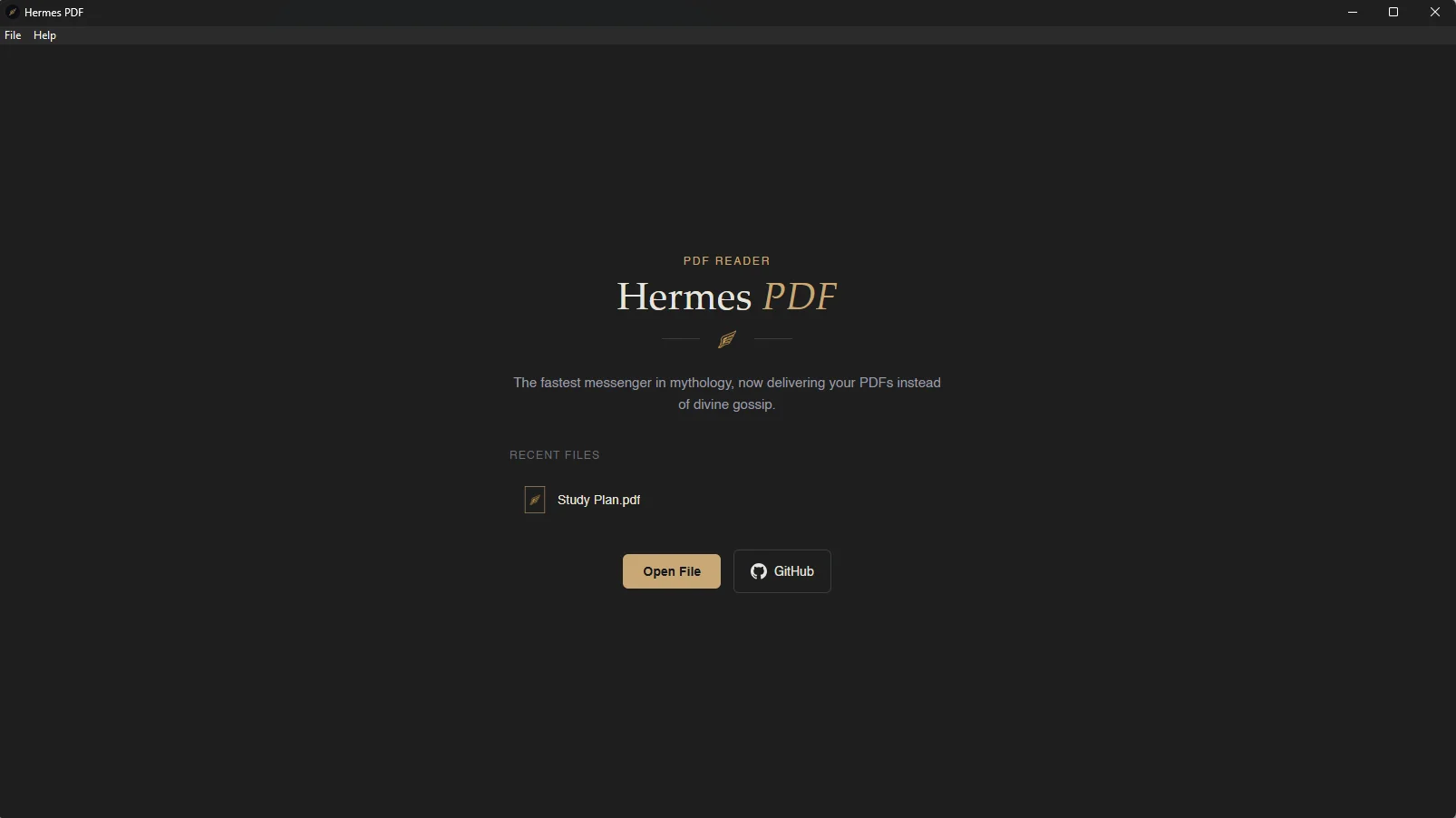
Hermes PDF Reader
Hermes PDF — A desktop PDF reader built from scratch after one login screen too many. Tauri, Rust, and TypeScript, in service of doing one thing well.
 View Source on GitHub
 Download for Windows
 Download for Mac
 Download for Linux
Hermes PDF: Because sometimes, the fastest way to fix a problem is to build the thing yourself.
It started with Adobe Acrobat asking me to log in to open a PDF. I closed the login window out of habit — the app closed with it. When I finally signed in, I was greeted by two sidebars and an AI assistant I hadn't asked for, standing between me and a document I just wanted to read.
So I built Hermes PDF — a desktop reader that does exactly one thing: opens your file and gets out of the way.
The name
Hermes — the Greek messenger god, fast and unencumbered — felt like the right namesake for an app whose entire philosophy is "deliver the thing, skip the ceremony."
What it does
Hermes is a native desktop app built on Tauri, pairing a Rust backend with a lightweight TypeScript frontend and PDF.js for rendering. It supports up to 20 PDFs open at once across tabs, continuous scrolling through pages, smooth inertia-based scroll (via Lenis), and per-tab zoom that remembers exactly where you left off — resize the window and it re-fits automatically, until you take manual control. A native OS menu handles Open and Exit, no custom UI pretending to be something it isn't.
Why it was worth building
This wasn't really about PDFs. It was about noticing a small, specific piece of friction in a daily tool and asking whether the fix was actually hard — it wasn't. The bulk of the build was decision-making under real constraints: Tauri over Electron for a smaller footprint, vanilla TypeScript over a framework because the UI genuinely didn't need one, SvelteKit swapped for plain Svelte+Vite early on once its routing/SSR machinery proved to be dead weight for a single-window desktop app.
Stack: Tauri, Rust, TypeScript, PDF.js, Lenis
Along the way, the project became a crash course in the parts of desktop development that don't show up in a typical web build: native menu APIs, OS-level file associations (registering "Open with Hermes PDF" directly in the Windows right-click menu, not just the submenu), Tauri's capability-based permission system, and the beginnings of a signed auto-updater pipeline.


